If your interested in training fill out the form.
✨ Ready to Feel Confident With Your Technology? Join Our Senior Training List! ✨
We’d love to help you learn at your pace — in a fun, patient, judgment-free environment made just for seniors.
Simply fill out the short form, and you’ll be added to the priority list for our upcoming classes.
Once a class fills up, we’ll contact you with the schedule, location, and everything you need to know.
Prefer something more personal?
No problem — we also offer:
🧑🏫 One-on-One lessons in the comfort of your home
👩❤️👨 Couples training
👨👩👧 Family-assisted sessions
👥 Small group lessons (2–6 friends)
Whether you're brand new or just need a refresher, we make learning simple, relaxed, and even fun.
Your future isn’t scary — it’s exciting. And we’re here to guide you every step of the way.
🚀 Sign up now, and let’s start this journey together!
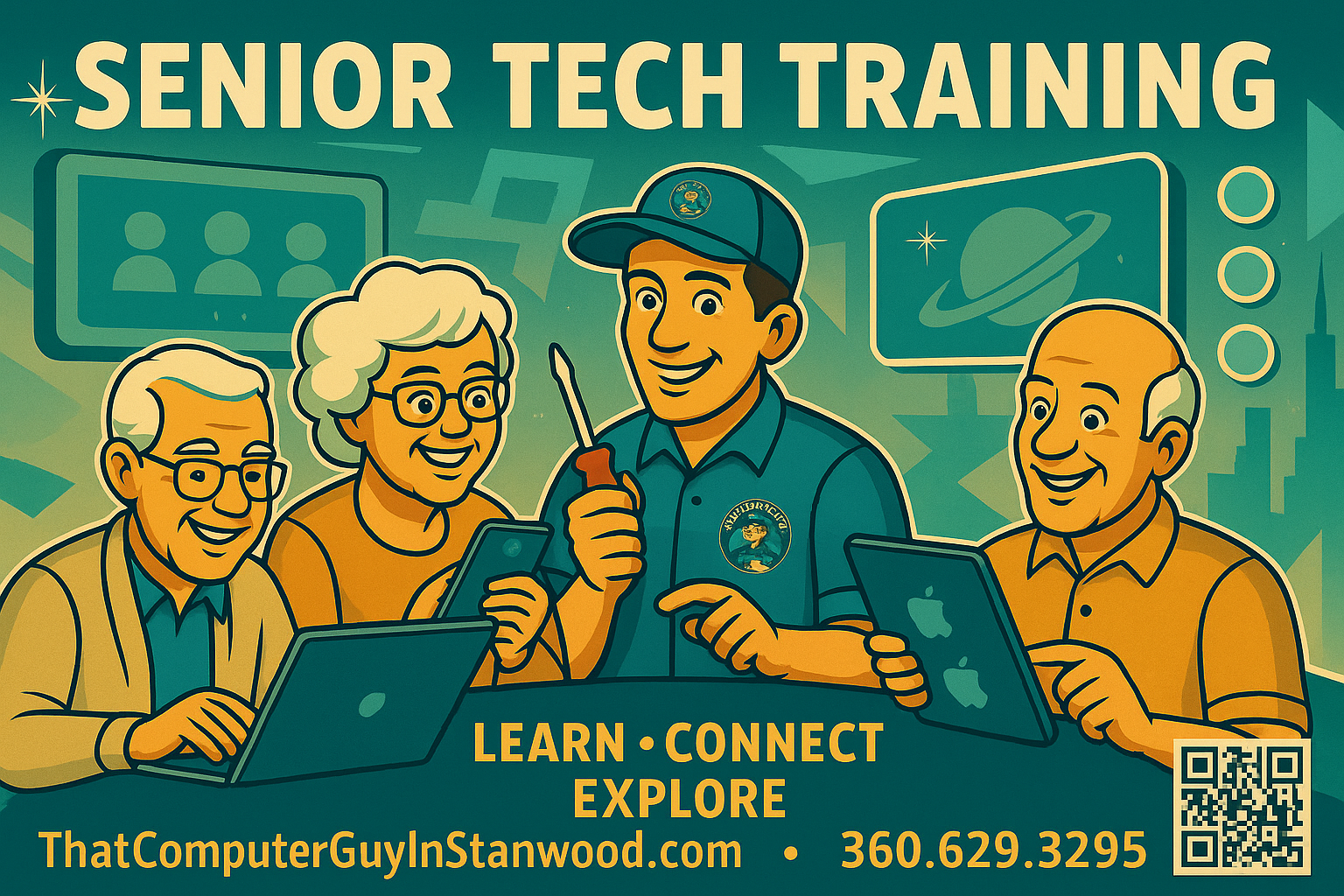
Senior Tech Training
Learn • Connect • Explore — at Your Own Pace
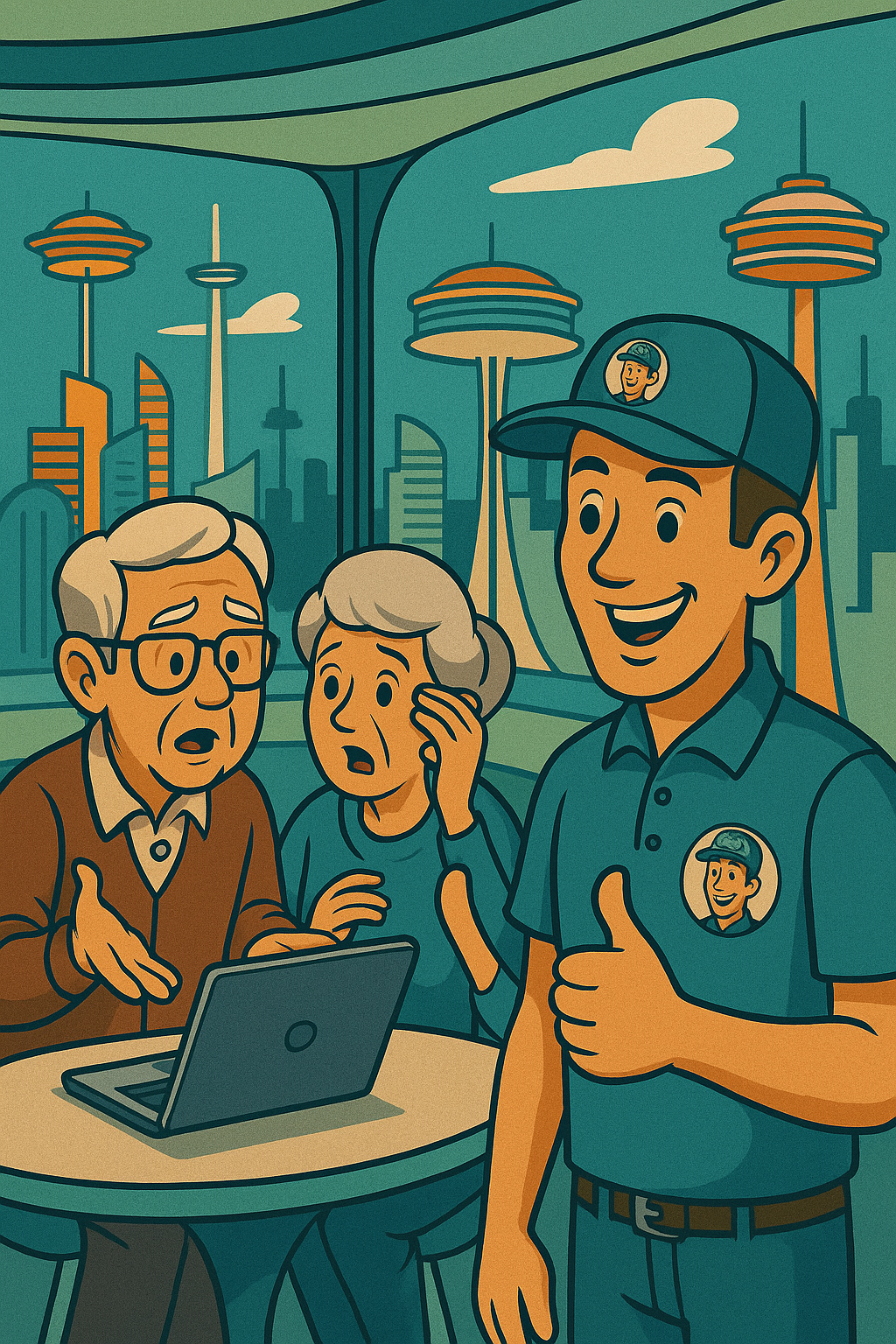
Technology shouldn’t feel intimidating — especially when you’ve got That Computer Guy as your patient, friendly guide.
Our Senior Tech Training is designed specifically for adults who want to feel more confident and capable with modern technology without feeling rushed or overwhelmed.
At That Computer Guy, we don’t rush you, confuse you, or talk over your head. We sit beside you (or on Zoom), go at your pace, and explain things in plain, friendly English — not geek-speak. No eye-rolls, no judgment — just patience, encouragement, and a few laughs along the way. You’ll be amazed how much more confident and capable you’ll feel with a computer once someone actually takes the time to teach it right.
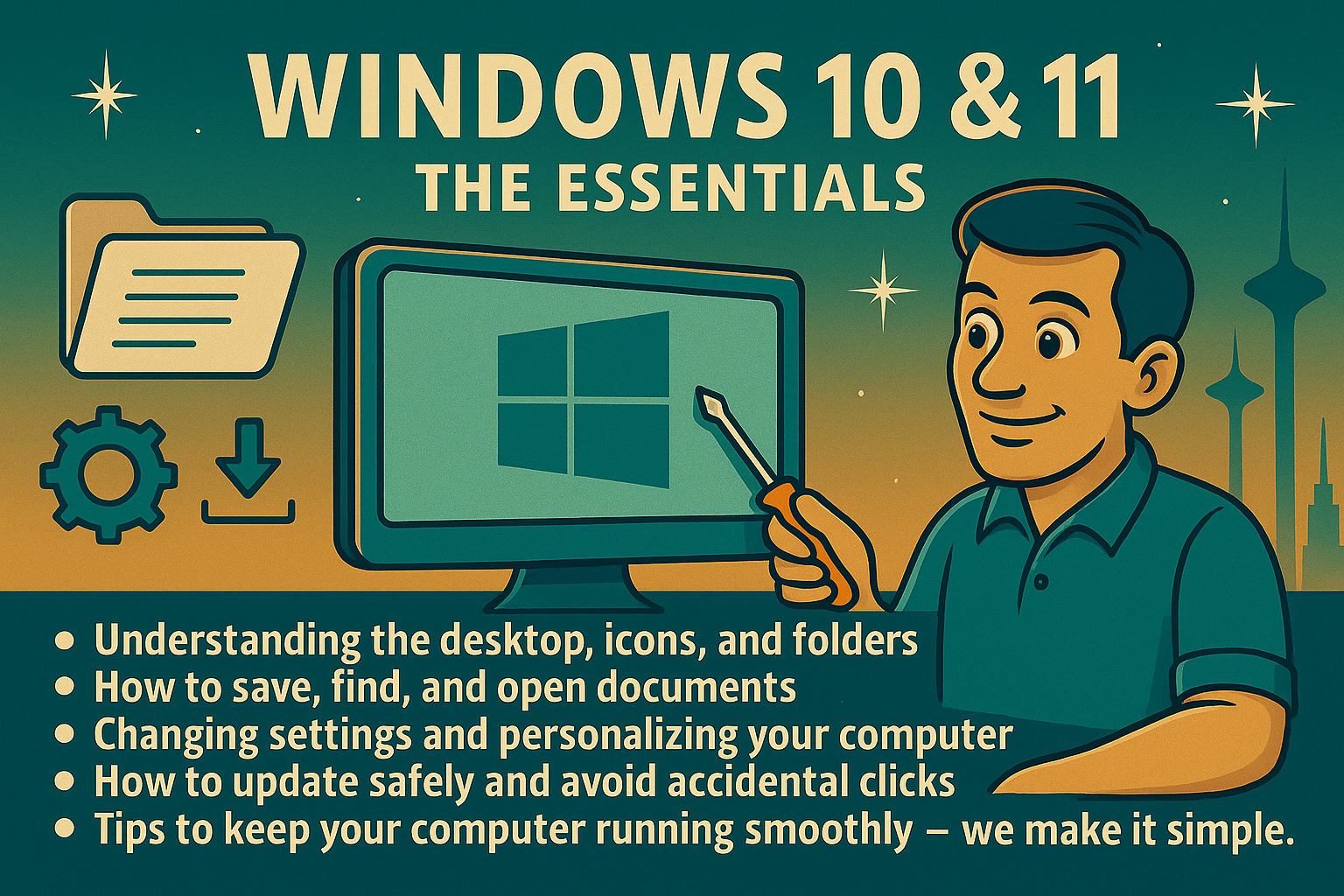
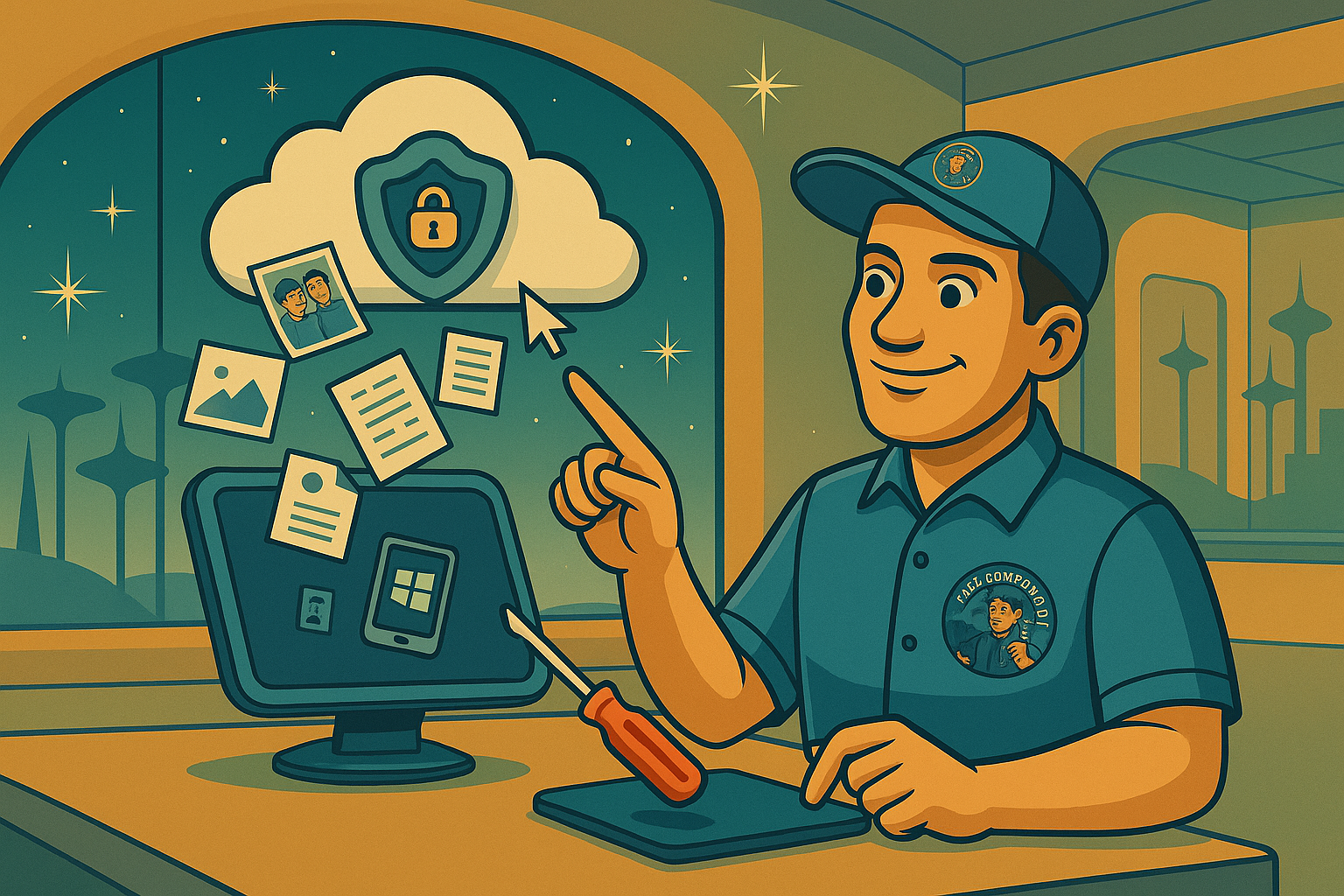
☁️ OneDrive or Google Drive — Your Digital Filing Cabinet
Learn how to:
-
Store photos, documents, and records digitally
-
Access files from any device
-
Share files with family and friends
-
Back up important information
-
Never lose your memories
We show you exactly how cloud storage works — using real examples from your own files (with your permission, of course).
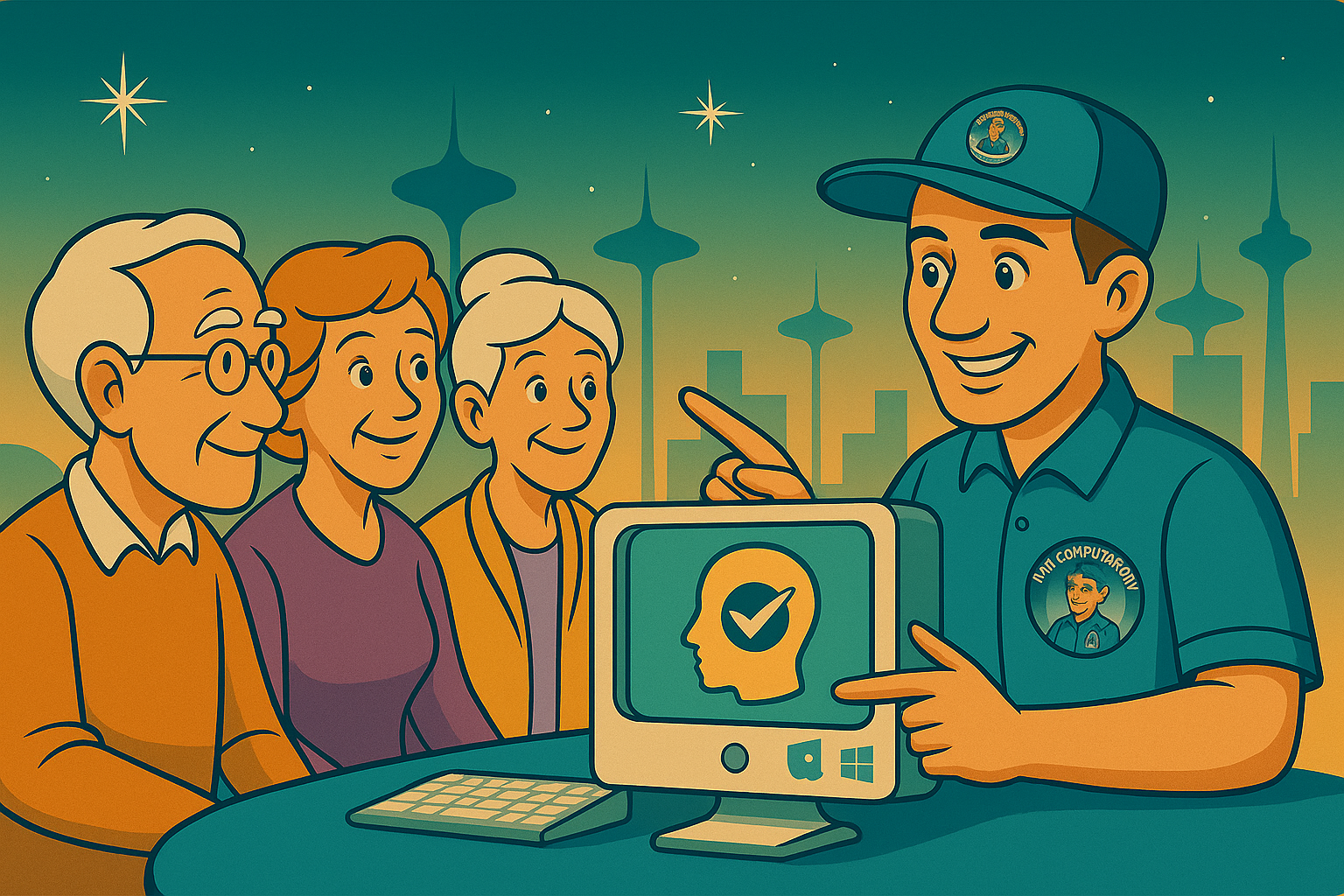
🧠 AI for Seniors — A Gentle Introduction
The future isn’t scary — it’s helpful!
Learn how to use AI tools for:
-
Writing emails
-
Searching for information
-
Creating recipes based on ingredients you have
-
Tracking medical info and summaries
-
Memory and organization assistance
-
Helping with hobbies (genealogy, scrapbooks, gardening, etc.)
We’ll explain AI in plain English, with real-life examples relevant to your needs.

🧑🤝🧑 One-on-One or Small Group Sessions
You choose your style:
-
1-on-1 personalized training
-
Couples learning together
-
Family-assisted training
-
Small group senior lessons (2–6 people)
We move at your pace — never faster than you’re comfortable with.
🛑 Judgment-Free Learning
There are no dumb questions.
We’ve heard everything — and we’ve helped with everything.
If you’ve ever said any of these… you’re in the right place:
-
“My computer keeps saying update — what do I do?”
-
“Where do my pictures go after I take them?”
-
“I clicked something and everything disappeared!”
-
“I can’t find my document!”
-
“What’s the difference between email and text?”
-
“What is the cloud? Where is the cloud??”
You’re not alone — and we’ll get you comfortable.
❤️ Patient, Friendly, Local Support Since 2003
We’ve proudly helped thousands in the Stanwood–Camano community over the past 20+ years.
Technology has changed — but our dedication to helping people hasn’t.
Ready to Feel Confident Again?
Call or text: 360-629-3295
or visit: ThatComputerGuyInStanwood.com
Don’t fear the future —
it’s friendly when you’ve got That Computer Guy.